NoGuess

Know. Don't Guess.
Add AI try‑on. Convert more. Return less.

NoGuess is a modern AI try‑on for e‑commerce. Shoppers see products in their own space before buying — boosting confidence, conversion, and revenue.

7‑day free trial
Email support
NoGuess preview

Trusted by modern commerce teams

And 50+ growing stores

Logo Logo Logo Logo Logo
+12–28%
conversion uplift
−18–35%
returns reduction
<60 min
to go live

How it works

From install to impact in minutes.

1

Install

Paste a lightweight widget into your product page. No rebuilds.
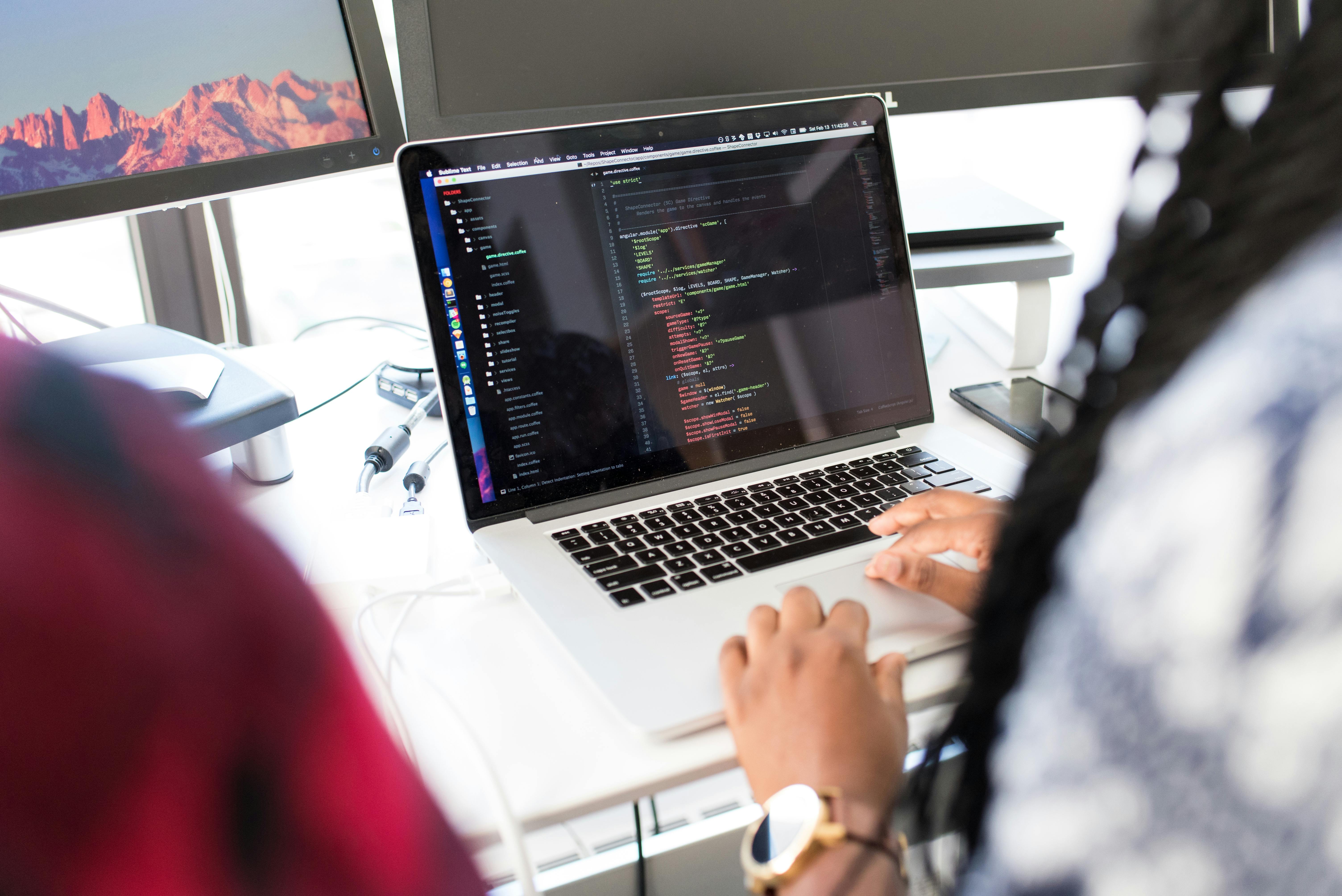
Adding a code snippet to a store theme
2

Capture

Shoppers take a quick scan/photo to anchor products in their space.
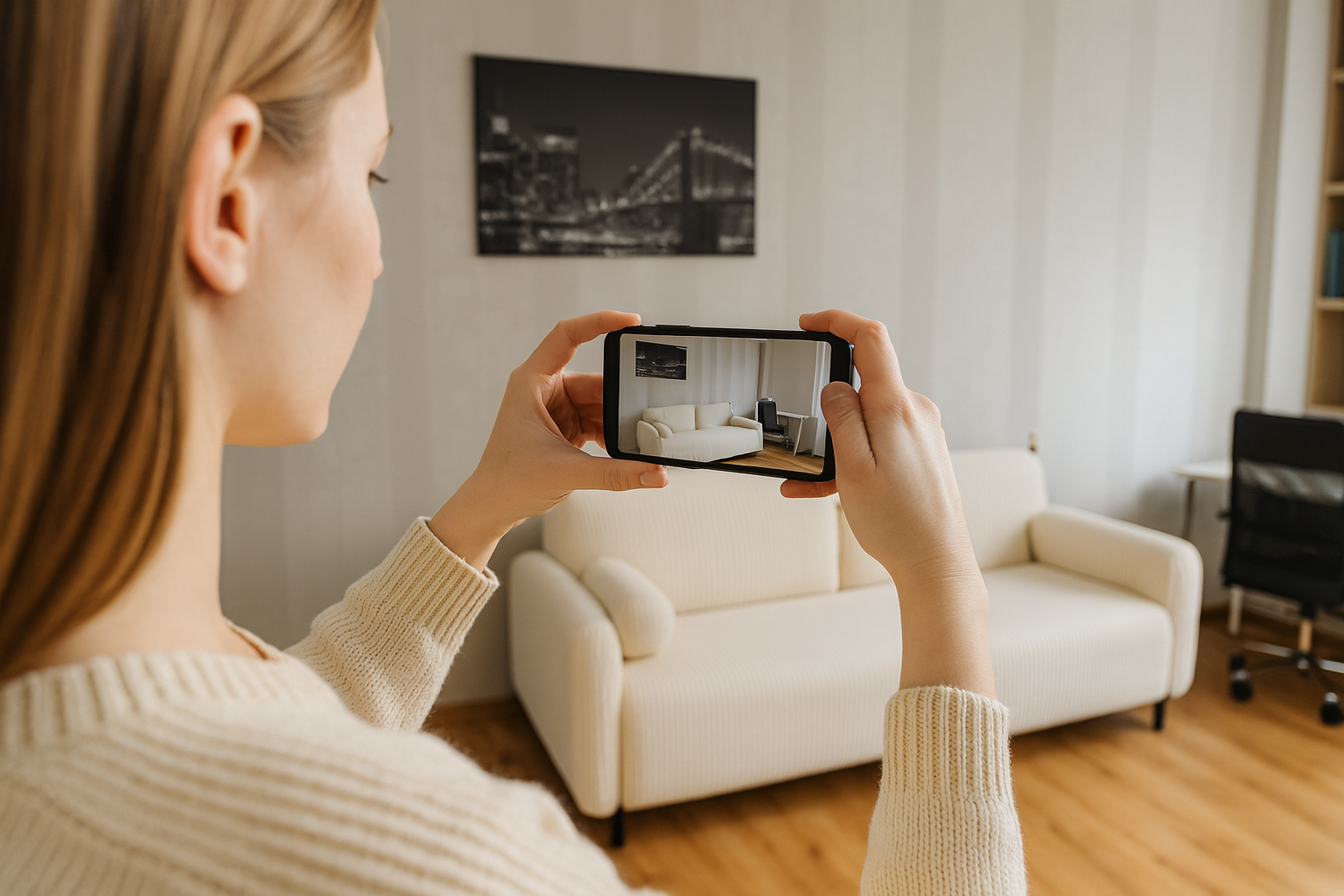
Scanning a room with a smartphone
3

Try-on

Realistic previews reduce doubt and drive checkout.
AR try-on in a living room

Where NoGuess shines

Purpose-built AI try‑on for high-impact verticals.

Furniture & Interior try-ons

Let shoppers visualize sofas, lamps, decor, and wall art at true scale in their room.
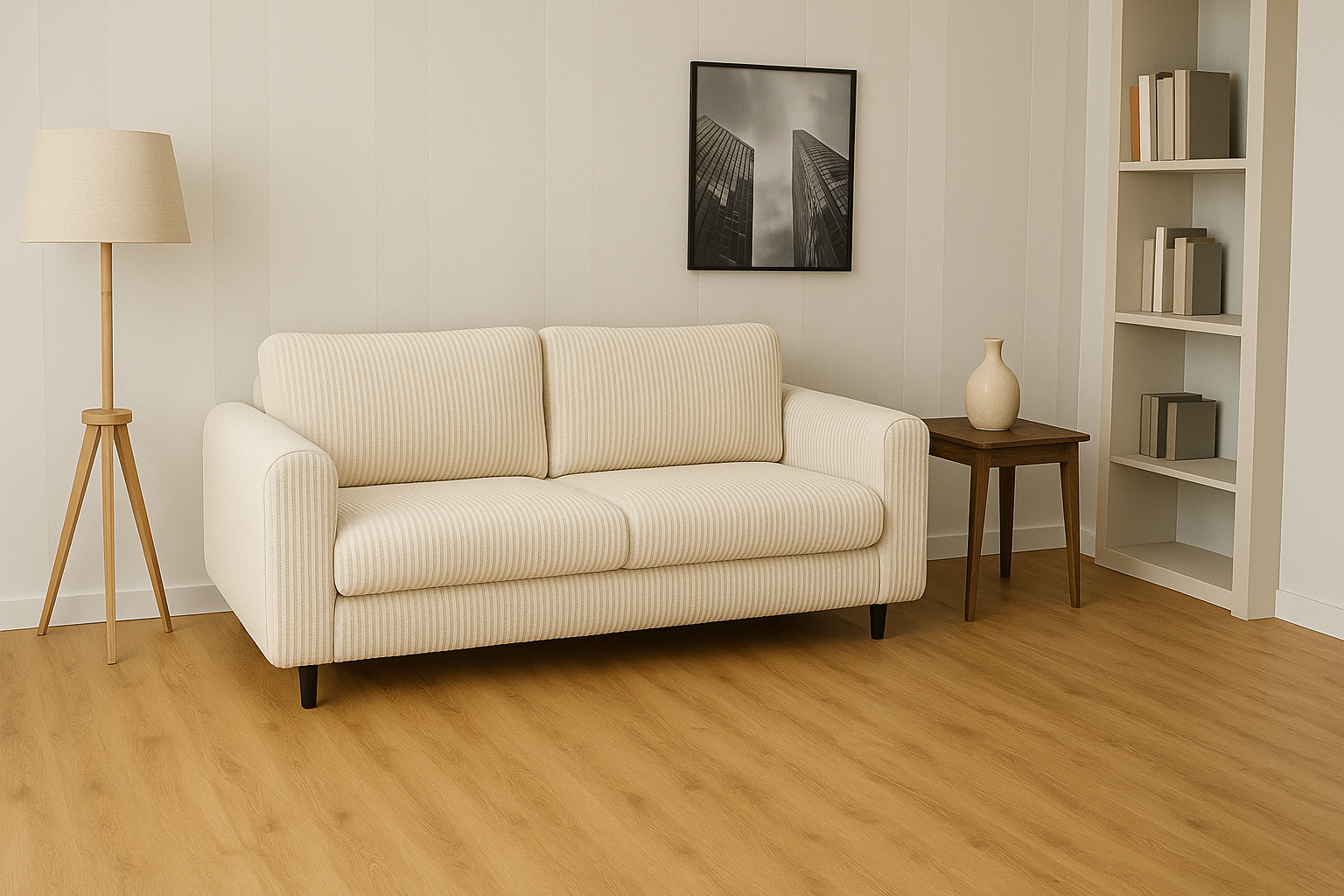
  • • True-to-room scale & perspective
  • • Room lighting & occlusion awareness*
  • • Works for large items and sets
  • • Add-to-cart events with context
Furniture visualized in a living room

*visual placeholders; configure model options later

Clothing & Accessories try-ons

Show realistic fit and style for apparel, shoes, eyewear, jewelry, and bags.
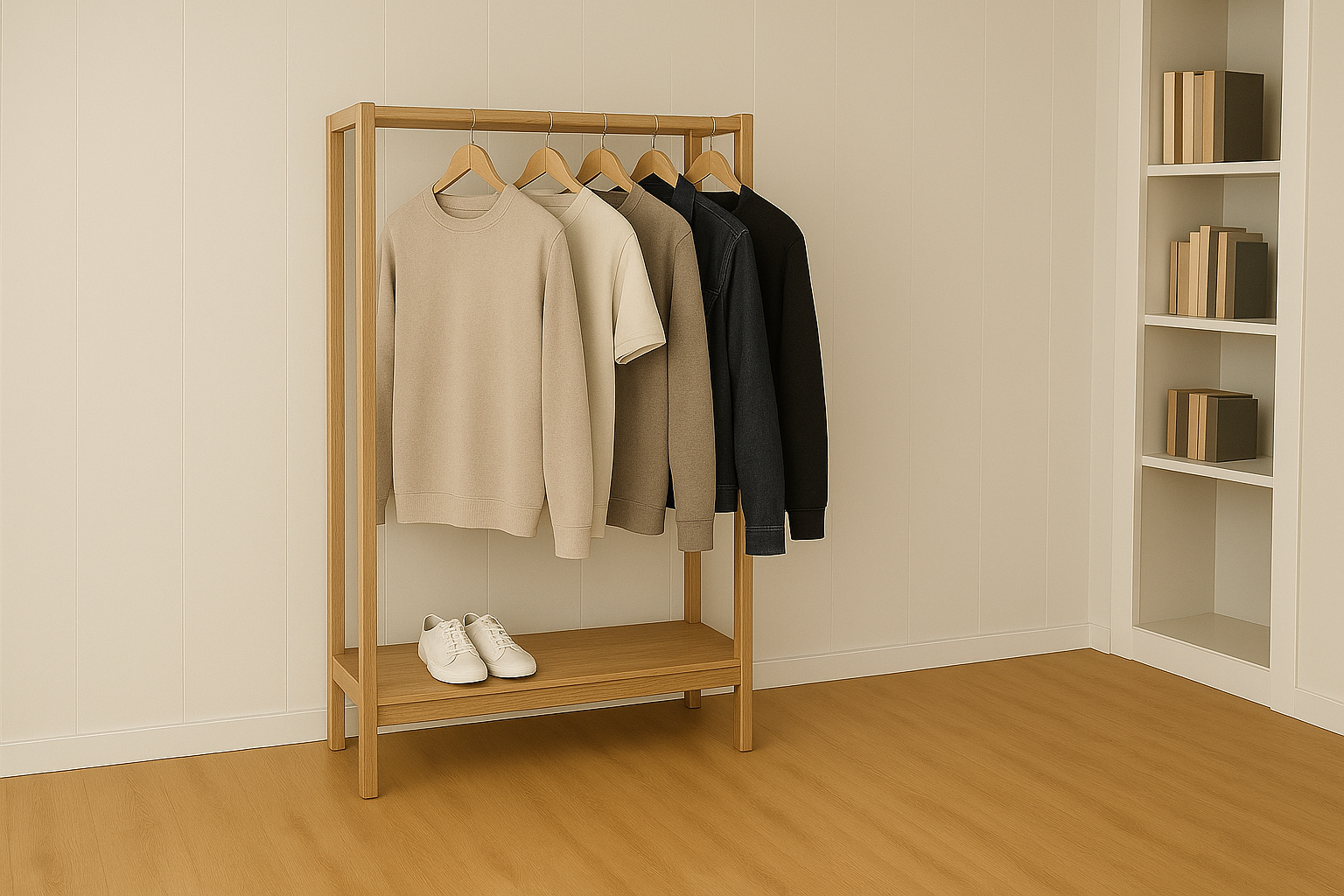
  • • Size guidance with confidence hints
  • • Pose-aware previews (front/side)
  • • Texture & color fidelity
  • • Variant try-on (color/size)
Apparel try-on preview
Add brand-safe masks & moderation per category
Home & Living
furniture, lighting, rugs, decor
Fashion
apparel, shoes, eyewear, accessories
Other
beauty, watches, tech accessories

Before vs With NoGuess

Before

  • • Customers hesitate without context
  • • Higher returns from mismatched expectations
  • • Generic product pages

With NoGuess

  • • Real-time try‑on in customer's space
  • • Confident purchases, fewer returns
  • • Differentiated PDP experience

Outcomes

Commercial impact your team can measure.

+ Uplift in conversion

Buy‑ready shoppers after seeing products in their context.

− Returns

Cut fit/expectation issues before they happen.

Fast install

Live in minutes. No custom ML stack.

Privacy by design

Data handled responsibly with clear controls.

Scales as you grow

From 500 to 10,000+ try‑ons/month without stress.

Responsive support

Fast response via email on all plans.

Pricing that grows with you

Unlimited products on every plan. Metered by verified try‑ons so you only pay for value delivered.

Launch

Prove the lift

For boutiques and DTC teams piloting AI try‑on on a single storefront.

€99
/ month
€149/month after 3 months
Up to 500 try‑ons
  • • Admin panel + stats & metrics
  • • Email support
  • • Multi-language & multi-store management
Start free trial
Most popular
Growth

Scale confidence

For brands rolling out AI try‑on across regions, channels, and product types.

€199
/ month
€299/month after 3 months
Up to 1,500 try‑ons
  • • Everything in Launch
  • • Conversion tracking
  • • Priority chat support
Start free trial
Scale

Enterprise programs

For marketplaces and retailers with complex catalogs or compliance needs.

Custom
Starting at 10k try‑ons
  • • Unlimited sessions
  • • SSO, SOC2, DPA, custom SLA
  • • Quarterly optimization reviews
Talk to sales
Need a revenue-share or >25k try‑ons? Book a pricing session.
Average time to go live: 60 minutes. Migration help is included.

Security & Privacy

Enterprise-ready by default.

  • • Data minimization and explicit consent flows
  • • Region-aware processing (EU/US)
  • • Encrypted in transit and at rest
  • • Access controls and audit trails

Compliance

GDPR-ready
CCPA-aware
SOC2-friendly*
DPA available

*process & posture aligned; request details

Implementation: 1‑step setup

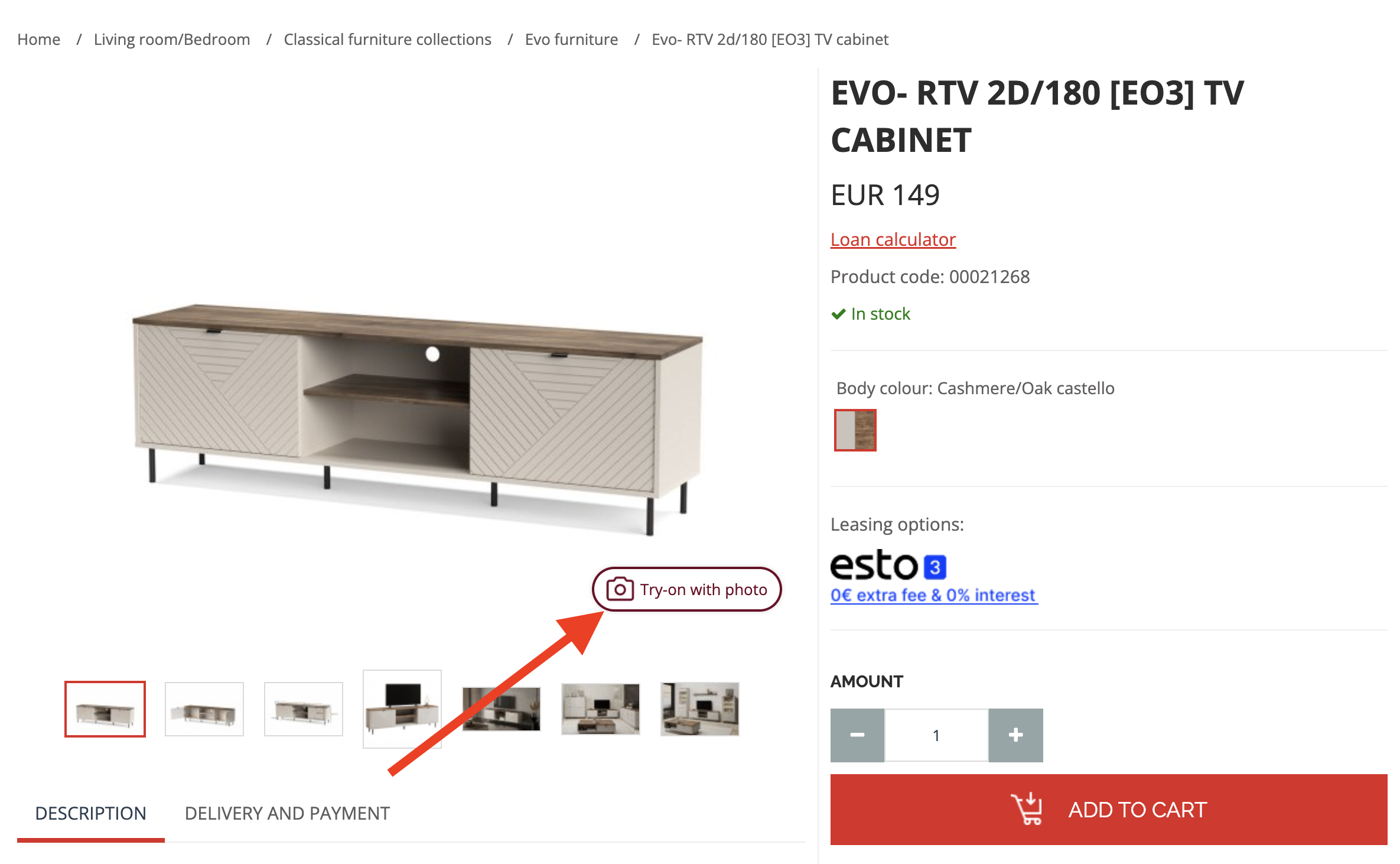
Add a single code snippet. The Try‑On button appears automatically on every product page.

Paste this snippet

Two quick ways to add NoGuess AI try‑on. Installation usually takes 5–10 minutes.

Option 1 — Add directly to your site

Paste this into your <head>:

HTML
<link href="https://core.noguess.co/css/main.css" type="text/css" rel="stylesheet">
<script src="https://core.noguess.co/js/ai-camera/main.js" type="module" data-shop-id="YOUR_SHOP_ID"></script>
Option 2 — Use Google Tag Manager (GTM)
  1. Log in to your GTM account
  2. Create a new Custom HTML tag
  3. Paste this code:
HTML
<script type="text/javascript">
const link = document.createElement("link");
link.rel = "stylesheet";
link.type = "text/css";
link.href = "https://core.noguess.co/css/main.css";
document.head.appendChild(link);

const script = document.createElement("script");
script.type = "module";
script.src = "https://core.noguess.co/js/ai-camera/main.js";
script.setAttribute("data-shop-id", "YOUR_SHOP_ID");
document.body.appendChild(script);
</script>
Once the code is added, a "Try with Photo" button will automatically appear on your product pages.

After adding the snippet, let us know so we can verify everything runs smoothly during the trial.
Questions? Contact
Camilla Petrauskas — Sales Manager, NoGuess

What happens next

  • • A Try‑On button renders on all PDPs automatically
  • • Loads only when visible; no layout shift
  • • Works with Shopify, WooCommerce, VTEX, SFCC, BigCommerce, custom
  • • Events fire for analytics/A‑B testing
Furniture visualized in a living room

Demo

Watch a quick walkthrough of NoGuess in action.

Frequently Asked Questions

Everything you need to know about getting started.

It uses a lightweight script on your product page. When a customer clicks "Try On," their camera opens. Our AI analyzes their room and your product image to create a realistic visualization of the item in their space—handling scale, lighting, and perspective instantly.
No. Unlike traditional AR which requires expensive 3D asset creation, NoGuess is designed to work with your existing high-quality product photography. This allows you to launch in minutes, not months.
Not at all. Our script is "lazy loaded," meaning it only activates when the user actually interacts with it. It creates no layout shift and has a negligible impact on your page speed scores (Core Web Vitals).
We work with any platform that allows you to edit the HTML <head> or use Google Tag Manager. This includes Shopify, WooCommerce, Magento, BigCommerce, Salesforce Commerce Cloud, and custom builds.
The experience is designed for mobile devices (where the camera is), but it works seamlessly on desktop too. Desktop users are shown a QR code to quickly continue the experience on their phone without losing their place.
Our AI uses reference points in the user's environment to estimate scale with high accuracy. While it shouldn't be used for millimeter-perfect engineering measurements, it is excellent for judging if a sofa fits a wall or how a bag looks against a body type.
You will be moved to the plan you selected during sign-up. If you decide NoGuess isn't right for you, simply uninstall the snippet before the trial ends, and you won't be charged.
Yes. We process images in real-time and do not store photos of your customers' homes or faces permanently. We are GDPR-ready and CCPA-aware, ensuring enterprise-grade privacy standards.
Yes. The button inherits your site's CSS by default, but you can target it via CSS to match your brand's colors, fonts, and shape perfectly.
Absolutely. While installation is just a copy-paste job, our support team is available via email to help you troubleshoot or verify that everything is running correctly on your specific theme.